Profile
Users are prohibited from:
- Sharing your account with other individuals. The account owner is defined as the person who initially registered the account on 3dsky.org;
- Selling, buying, or transferring accounts with at least one purchased PRO model or an active subscription for 30 FREE models per day;
- Creating multiple accounts. Each individual is permitted to have only one account.
In all three cases, accounts found to be in violation will be permanently banned.
Log in to your account and contact support.
Select “Other” as the subject – in the field that appears, write: “Change nickname.”
The first 3 days after registration you are in the "read mode".
The activity grows when:
- you add PRO Model: +5
- you add FREE Model from manufacturers: +1
Log in to your account and contact support.
Select “Other” as the subject – in the field that appears, write: “Delete account.”
How it works:
1. Login.
2. Go to Bookmarks by clicking on heart icon to the left of the avatar in the site headline:
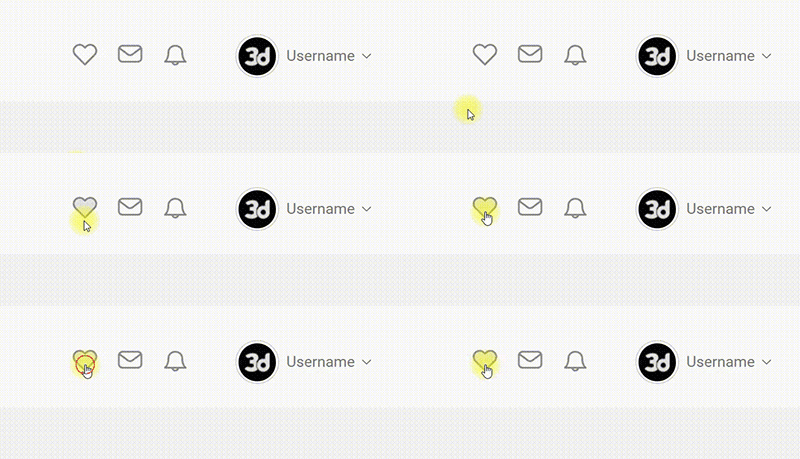
or open your profile and go to the Bookmarks section:
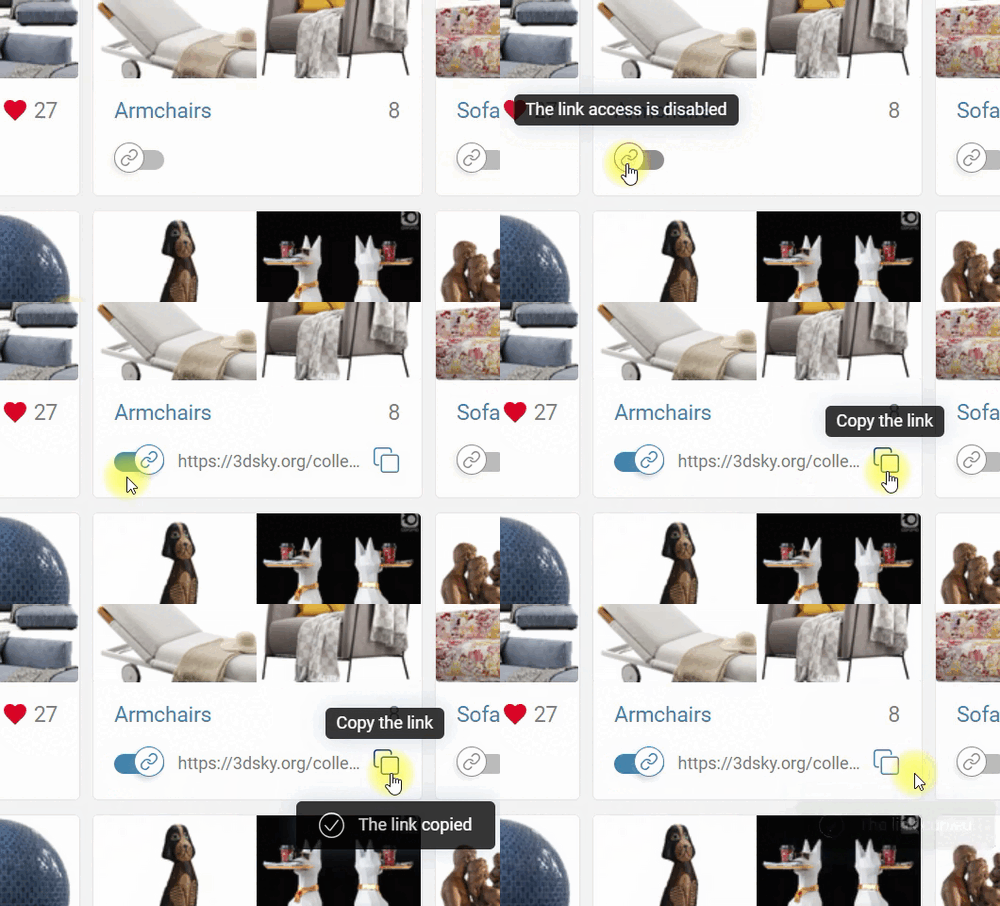
3. Create a public link to collections by clicking the switch on the collection card or on the collection page. Then copy and send the link:
4. Follow the link to the public page of the collection to see how the recipient sees your collection:
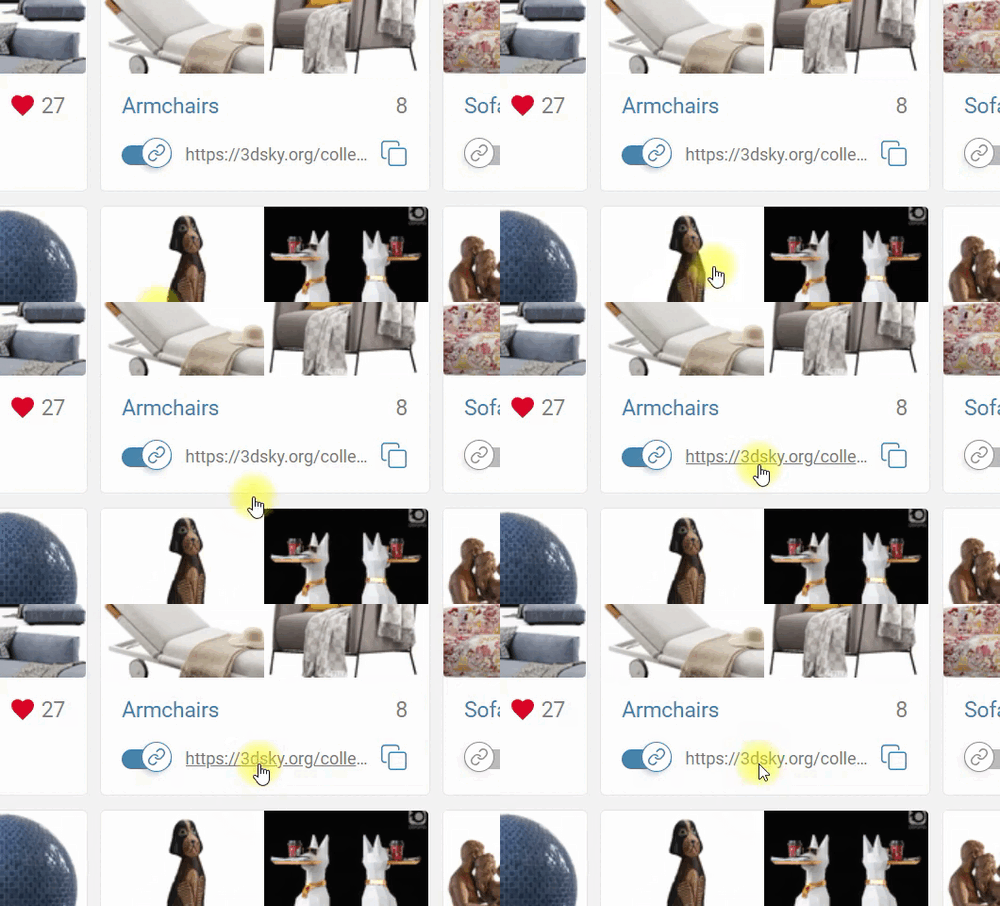
Your public collection is available to any user on the network.
Examples of public collections:
5. You can close access to your public collection by clicking the switch again
By making your collection public again does not change the link.
Restrictions:
Maximum number of models in the public collection: 200.
If the collection contains 201 or more models, such a collection cannot be shared.
If the collection is already public and contains 200 models, then the 201st model won't be uploaded.
Only the author of the collection can add models to a public collection.